As an Amazon Associate, we earn from qualifying purchases. Some links on this site are affiliate links at no extra cost to you. Our recommendations are based on thorough research and editorial judgment.


Which Speakers Work Best For Podcast Recording?

When it comes to podcast recording, the right studio monitors make a huge difference. We recommend models like the Yamaha HS7 or JBL 305P MkII for great sound and accuracy without breaking the bank. For budget options, consider the PreSonus Eris E3.5s or M-Audio BX5 D3, which provide excellent audio quality. Remember to look for features like flat frequency response and durable materials for the best results. Stick around to discover practical tips for setting them up in your space!
Key Takeaways
- Studio monitors like the JBL 305P MkII are budget-friendly options that provide solid performance for podcast recording.
- Monitors should have a frequency response of 20 Hz to 20 kHz for capturing clear vocal tones.
- Look for flat frequency response for accurate audio editing and sound reproduction during mixes.
- Durable materials, like wood, help enhance sound clarity and minimize unwanted resonance.
- Position monitors at ear level in an equilateral triangle to optimize your listening experience.
Importance of Studio Monitors for Podcasting
You may be interested
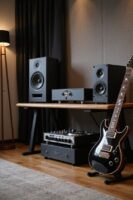


When we immerse ourselves in podcasting, the tools we choose can greatly impact our final product, and studio monitors are absolutely essential for ensuring superior sound quality. Their significance lies in providing audio accuracy, allowing us to hear details like bass clarity and midrange vocals clearly. Using studio monitors helps avoid the pitfalls of consumer speakers that often color sound, ensuring that what we produce translates well across diverse playback systems. For example, we can identify voice muddiness or background noise during mixing, correcting issues before our podcast reaches listeners. Affordable options now deliver high accuracy, making it accessible for everyone. With the right monitors, we create professional-sounding content that truly connects with our audience. Moreover, features like customizable EQ controls enhance our ability to tailor sound to specific needs, optimizing the listening experience.
Recommended Products

For Recording Studios and Touring
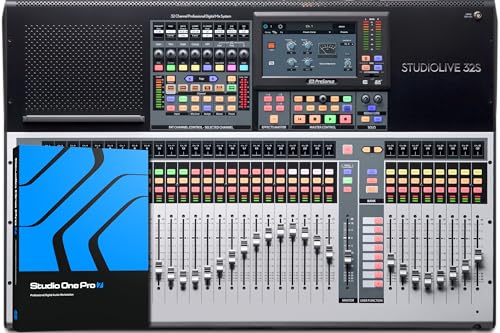
Portable, and flexible digital console for installed sound, mobile applications, and recording with dual-core FLEX DSP Engine powering 286 simultaneous processors

Fully integrated audio production studio for podcasters, streamers, musicians and content creators
Top Recommendations for Studio Monitor Speakers

Choosing the right studio monitor speakers can greatly enhance our podcasting experience, and having a solid set of recommendations is indispensable. For exceptional sound fidelity, we can consider the ADAM Audio A7X and Neumann KH 120, both offering professional clarity above $1000. If we need something versatile, the Yamaha HS7 and HS8 models will provide great bass response for medium to large studios. For a more budget-friendly option, the JBL 305P MkII delivers solid performance. If we’re working with smaller spaces, the IK Multimedia iLoud MTM is compact yet effective. These monitor types allow us to tailor our recordings, ensuring every podcast resonates with clarity and detail. Additionally, sound quality directly affects mixing precision and audio reproduction, making it a crucial factor in selecting the right speakers.
Recommended Products
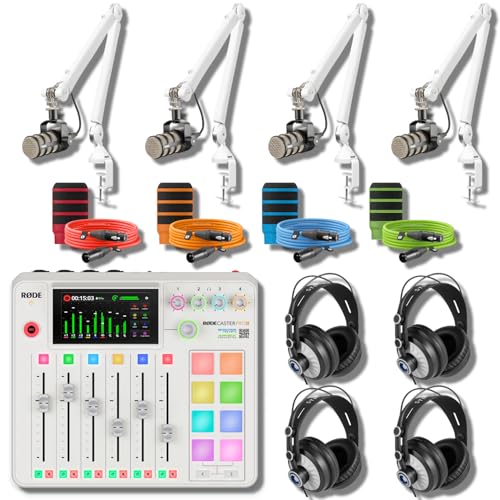
Fully integrated audio production studio for streamers, podcasters, musicians and content creators

Rode Rodecaster Pro II is a fully integrated audio production studio for podcasters, streamers, musicians and content creators

32-channel 4-bus mixer featuring Mackie signature high-headroom/low-noise design
Budget-Friendly Monitors for Aspiring Podcasters

For aspiring podcasters working with a tighter budget, selecting the right monitors can greatly impact recording quality without breaking the bank. We’ve got some affordable options that deliver impressive sound quality. The PreSonus Eris E3.5s, priced under $100, are a fantastic starting point, offering exceptional audio. If we can stretch to around $250, M-Audio BX5 D3 monitors provide transparent sound and a wide frequency range. For those nearing $300, both the JBL 305P MK II and PreSonus Eris Studio 5 promise solid performance. Even at prices just under $500, options like the Adam Audio T5V and Kali Audio LP-6 V2 deliver clarity and neutrality, making them perfect for serious podcast work without overspending. Additionally, ensuring high-resolution audio fidelity will enhance your podcast’s overall sound quality.
Recommended Products

Rode Rodecaster Pro II is a fully integrated audio production studio for podcasters, streamers, musicians and content creators

Next-gen 32 x 34 Thunderbolt 4 / USB4 audio interface — The world’s first Thunderbolt 4 audio interface built on 30 years of proven success as an industry-leading audio interface brand.
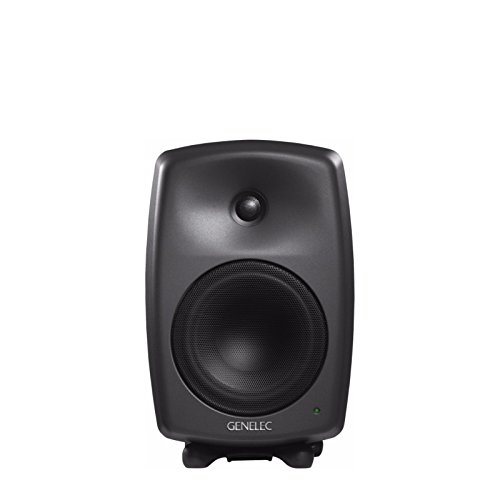
Minimum Diffraction Enclosure: Featureing Genelec's MDE enclosure with rounded edges and gently curved front & sides. This allows the speaker to achieve a smooth frequency response and superb imaging qualities with minimized cabinet edge diffraction
Key Features to Look for in Podcasting Monitors

Selecting the right podcasting monitors can greatly enhance your recording experience, and there are several key features to keep in mind. First, we should focus on frequency response; ideally, you want a range of 20 Hz to 20 kHz for capturing clear vocal tones without any coloration. A flat frequency response guarantees we hear our audio as it truly is, making it essential for accurate editing. Next, let’s consider build quality. Durable materials like wood enhance sound clarity and reduce unwanted resonance, increasing our monitors’ longevity. Finally, monitors with versatile connectivity options—like balanced XLR inputs—provide better integration with our gear. By prioritizing these features, we’re setting ourselves up for high-quality podcast production. Additionally, sound quality is crucial for ensuring that your recordings translate well across different playback devices.
Recommended Products
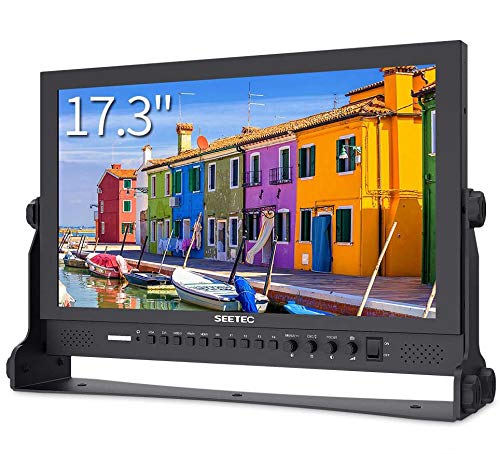
17.3 Inch IPS Full HD 1920x1080 Resolution, Brightness:400cd/m2, Contrast 600:1, Dot pitch:0.1989(H)×0.1989(V)mm, Aspect Ratio:16:9 Display Colors 16.7M

ONE MICROPHONE FOR EVERYTHING - Studio Recording, Home Recording, Podcasting & Streaming. The SM7B Is Trusted By The Worlds Leading Vocalists, Podcasters & Streamers.

The V6S4 has the KRK custom designed Kevlar tweeter and a 6" woven Kevlar woofer. Also has an optimized front ported bass reflex enclosure design.
Practical Tips for Setting Up Your Monitors
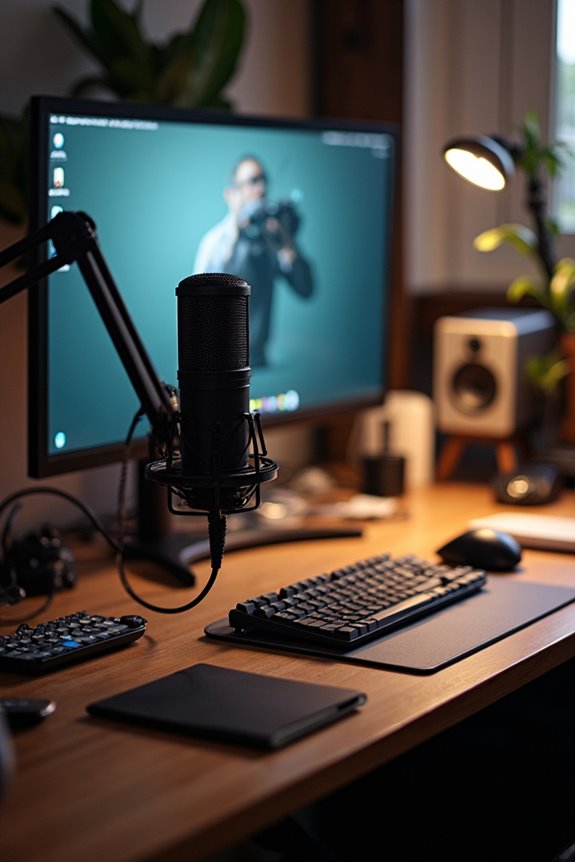
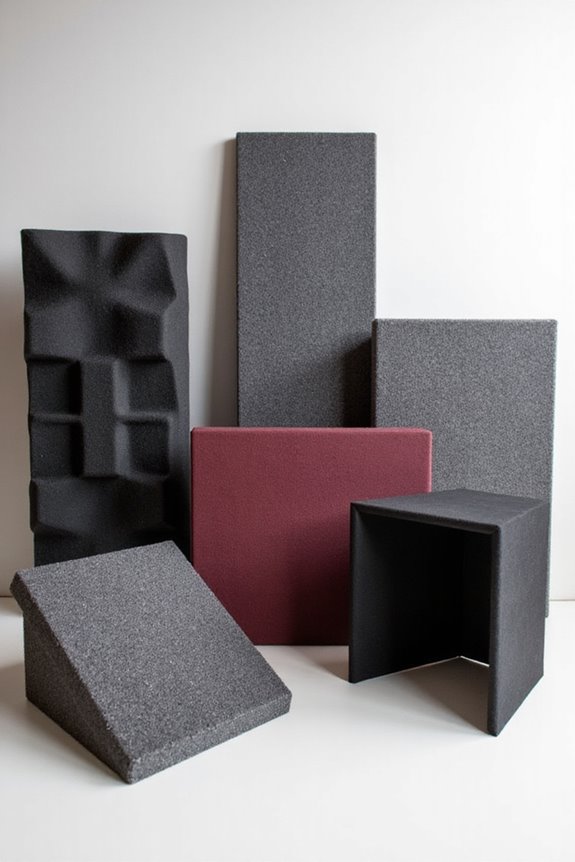
Setting up podcast monitors properly can greatly elevate our recording quality. First, we should ascertain monitor positioning is at ear level and create an equilateral triangle between our monitors and listening position. This setup enhances sound clarity and stereo imaging. We also need to place monitors symmetrically and at least 1 to 2 meters away to optimize sound fields and minimize early reflections. Acoustic treatment plays an essential role too; incorporating panels and avoiding hard surfaces can reduce unwanted echoes. Finally, let’s elevate our monitors with stands or isolation pads to cut down vibrations. By taking these steps, we can create a workspace that’s not just functional but also inspires our best recording efforts! Additionally, ensuring that our monitors have multiple connectivity options can enhance compatibility with various recording devices.
Recommended Products
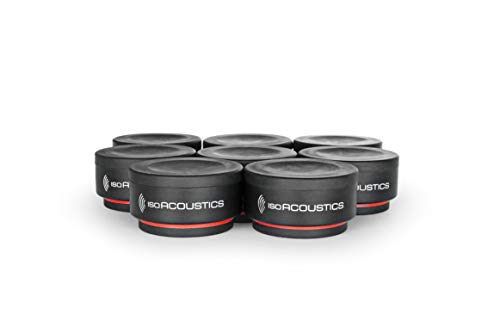
Weight capacity: 6 lbs (2.75 KG) per unit. It is recommended to use 3 or 4 units under each speaker. The total weight capacity is 18 lbs when using 3 units and 24 lbs when using 4 units.
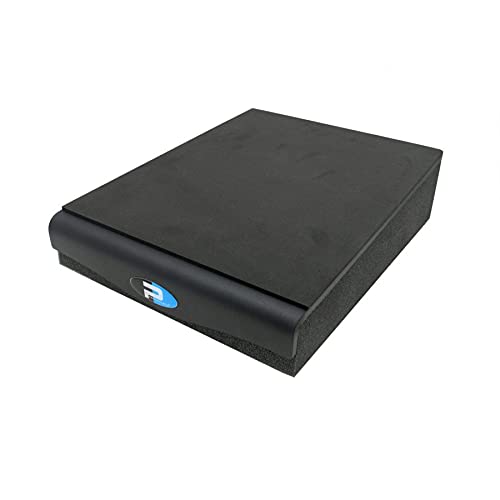
Angled Monitor Isolation Pad with 5% Downfiring Angle

You Get: Two 4 Packs SVS Sound Path Subwoofer Isolation System
Frequently Asked Questions
How Do I Position My Monitors for Optimal Sound?
Back when we crafted mixtapes, we knew monitor placement was key. Let’s position speakers at ear height, angle them at 60 degrees, and guarantee they form an equilateral triangle for maximum sound clarity together!
Can I Use Home Speakers Instead of Studio Monitors?
While we might be tempted to use home speakers, their limitations can lead to audio issues. Instead, we should consider studio monitors for their advantages in accuracy and sound quality, ensuring a better recording experience together.
What’S the Ideal Distance Between Monitors and My Listening Position?
To achieve the best sound, we should follow monitor placement guidelines, aiming for an ideal speaker distance of 50 cm to 150 cm. This setup creates a balanced listening experience, making our audio projects shine together.
How Important Is Room Acoustics in Podcasting?
Room acoustics are essential for our podcast’s audio quality. By investing in room treatment, we can control sound reflections, ensuring clear, engaging content that keeps listeners coming back for more. Let’s create that inviting sound together!
Should I Invest in Monitor Stands or Isolation Pads?
When considering monitor stands or isolation pads, we should weigh our options carefully. Stands offer better positioning and isolation, while pads are budget-friendly. Let’s choose what best fits our space and sound quality needs together.