As an Amazon Associate, we earn from qualifying purchases. Some links on this site are affiliate links at no extra cost to you. Our recommendations are based on thorough research and editorial judgment.


How To Select Speakers For Home Recording Studio?

To select the right speakers for our home recording studio, we should first understand monitor types. Active monitors are user-friendly, while passive ones require an external amplifier for flexibility. We should consider driver sizes for balanced frequency response; larger woofers excel in bass. Connectivity matters too—balanced inputs reduce noise. Room size influences our choice; compact monitors suit small spaces, while larger ones cater to bigger rooms. With some thought, we can greatly enhance our mixing. There’s more to explore!
Key Takeaways
- Choose active monitors for easy setup, but consider passive monitors with an external amplifier for greater flexibility in larger spaces.
- Select nearfield monitors with smaller drivers for compact spaces to reduce bass buildup, or midfield monitors for larger studios needing more power.
- Opt for monitors with balanced inputs like TRS or XLR to ensure minimal noise interference for critical listening during recordings.
- Ensure the speaker power output (30-75W) matches your room size and listening distance (1-1.5m) for optimal sound quality.
- Properly position monitors 3-5 feet from the listening area and treat the room acoustically to enhance sound reproduction accuracy.
Understanding Monitor Types
You may be interested

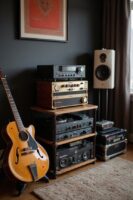
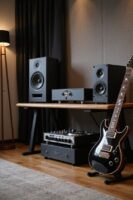
When we’re setting up our home recording studio, the choice of monitor type can have a significant impact on our sound quality and overall experience. We can choose between active monitors, which come with built-in amplifiers for easy plug-and-play use, or passive monitors that require external amplifiers for added flexibility. In smaller spaces, nearfield monitors work best, allowing us to hear our mix clearly while minimizing room acoustics. On the other hand, midfield monitors are ideal for larger studios where sound power and bass extension are essential. For sound accuracy, we must also consider monitor enclosures; ported monitors enhance bass response, while unported designs offer tighter control. Finally, understanding tweeter types and their dispersion characteristics can lead to better stereo imaging. Additionally, selecting monitors with low distortion technology can further enhance audio fidelity and clarity in our recordings.
Recommended Products

Powered 3-way Studio Monitor with 8.25" LF Driver

Free-field frequency range (-3dB): 50Hz - 21kHz

Bundle Includes: Adam Audio T10S 10-Inch Powered Studio Subwoofer, Adam Audio T7V 7-Inch Powered Studio Monitor (Pair), 2 x 25Ft XLR Cable Male to XLR Female Microphone Cable, and 2 x 1/4-Inch TRS to XLR Male to Male Balanced Cable (10-Feet)
Assessing Driver Size and Frequency Response
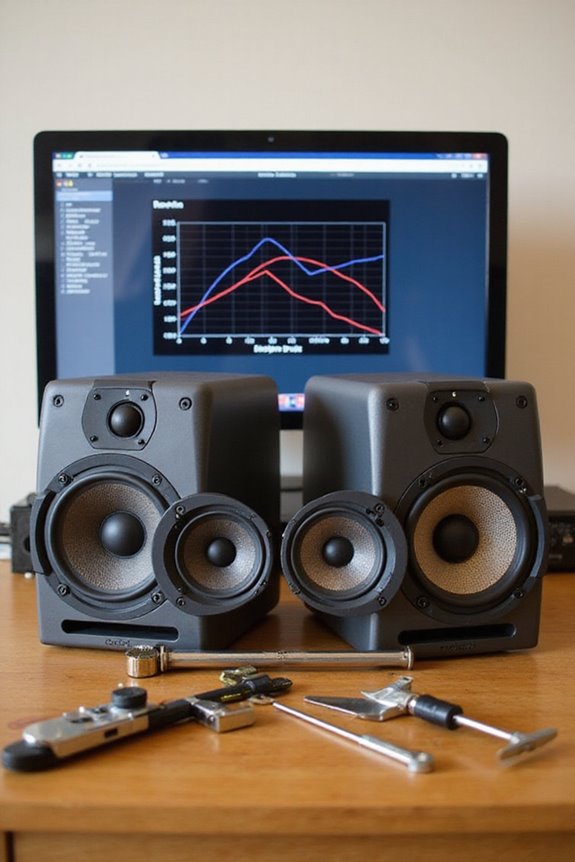
Although we often think about our monitors as simply speakers, understanding driver size and frequency response is vital for achieving the best sound in our home recording studios. When we look at driver specifications, larger drivers, like subwoofers with 8-inch diameters, excel at low frequencies, creating richer bass. Smaller drivers, like tweeters, handle high frequencies effectively, providing clarity in our mixes.
It’s important to analyze frequency response curves, as they show how well our speakers reproduce sounds across different frequencies. A balanced setup, utilizing both large and small drivers, guarantees we capture the full spectrum of our audio without distortion. Additionally, selecting monitors with high-resolution audio fidelity ensures accurate playback and monitoring for professional results.
Recommended Products
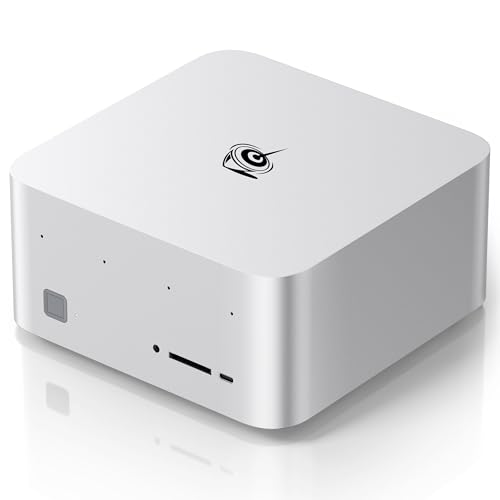
【Powerful AMD Ryzen AI Max+ 395 CPU and AMD Radeon 8060S GPU Bring the Future to Your Fingertips】 — 16 Zen 5 CPU cores, combined with the advanced Radeon 8060S iGPU, next-gen XDNA 2 NPU, and 126 AI TOPS, deliver cutting-edge architecture that significantly boosts the GTR9 Pro's performance, ideal for editing, rendering, designing, live streaming and AAA gaming

Powered by the NVIDIA Blackwell architecture and DLSS 4

NVIDIA Ada Lovelace Streaming Multiprocessors: Up to 2x performance and power efficiency
Choosing the Right Amplification and Configuration
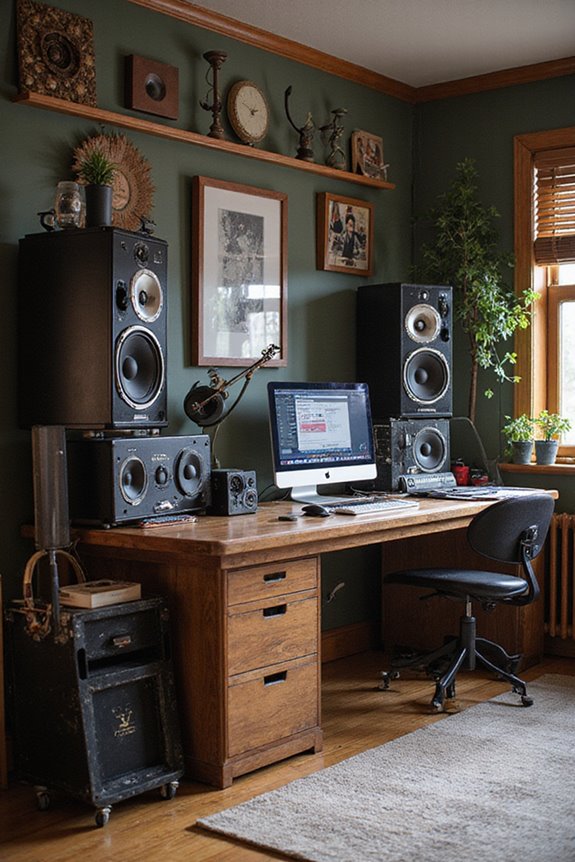
Once we’ve considered driver size and frequency response, the next logical step is to look at amplification and how it influences our studio setup. Choosing the right amplifier power is essential for optimizing sound; for typical passive monitors, we need around 50W into 8Ω for that perfect balance of volume and clarity. As we listen from 1-1.5m away, effective power between 30-75W per channel guarantees we capture all the dynamics without distortion.
For active monitors, built-in amplifiers simplify things. Having features like bi-amp configurations allows us to drive woofers and tweeters separately, improving precision. Ultimately, matching our amplifier power to speaker impedance and sensitivity fosters a coherent sound environment, enriching our recording and mixing experience. Additionally, understanding power output options is crucial to ensure compatibility with various speaker setups.
Recommended Products

25 boundary and tuning EQ combinations to help minimize and correct problems in your acoustical environment

MkII series features next-generation JBL transducers, new Boundary EQ, and a sleek new design

8" glass aramid composite woofer
Evaluating Connectivity and Inputs

How can we guarantee that our studio monitors interface seamlessly with our audio setup? We need to evaluate the right cable types and inputs. For reliable connections, balanced quarter-inch TRS and XLR cables outperform unbalanced options, ensuring better signal integrity. Balanced inputs are ideal for environments like ours, minimizing noise through phase cancellation. When selecting monitors, we should prioritize those with balanced inputs to match our modern audio interfaces. While unbalanced connections like RCA can work, they’re more susceptible to interference, which isn’t suitable for critical listening. Let’s also avoid adapters when possible, as direct connections maintain peak signal quality. By carefully choosing our connectivity options, we enhance our studio’s overall sound and performance, allowing our creativity to shine through. Speakers with clear audio fidelity are essential for achieving accurate sound reproduction during the editing process.
Recommended Products

Mix and record through AAX DSP plugins with rock-solid sub-1 ms latency monitoring

Featuring 8,192 levels of pressure sensitivity, 3 side switches, and the ability to customize by swapping the included grips or adjusting the weight and center of balance, the Wacom Pro Pen 3 is Wacom’s most advanced pen yet.

NVIDIA Ada Lovelace Streaming Multiprocessors: Up to 2x performance and power efficiency
Considering Room Size and Acoustic Treatment

When we think about setting up our home recording studio, the size of the room plays an essential role in our choice of studio monitors. In smaller spaces, compact nearfield monitors with 5-6.5″ drivers are ideal, reducing bass buildup and enhancing clarity. For medium-sized rooms, we can opt for monitors with 7-8” woofers to achieve a wider frequency response.
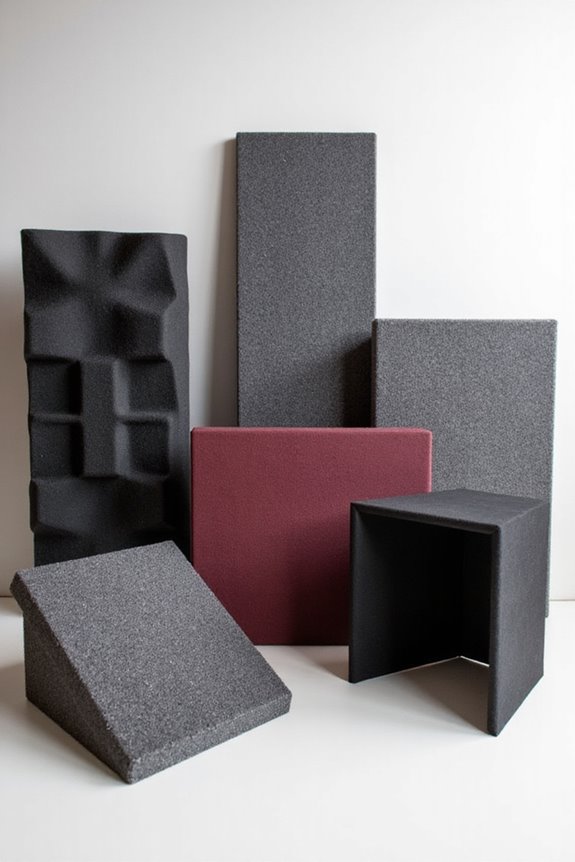
Proper speaker positioning, about 3-5 feet from our listening position and away from walls, helps optimize bass response. Additionally, treating first reflection points with absorbers or diffusers greatly improves room acoustics. This way, we can attain clearer sound and a more accurate mixing environment—essential for making our recordings shine. Choosing the right monitors with power output requirements is also critical to ensure they deliver optimal performance in your specific space.
Balancing Budget and Intended Usage
Selecting the right monitors for our home recording studio isn’t just about sound; it’s also about aligning our budget with how we plan to use them. First, we need to define our budget priorities based on our usage scenarios. For beginners, entry-level monitors around $100 to $300, like the JBL 305P Mk2, offer excellent value without breaking the bank. If we’re focused on serious mixing, mid-budget options from $300 to $600 provide better sound accuracy, which is vital for achieving professional results. Remember, it’s important to choose speakers that meet our intended needs, balancing cost with essential sonic characteristics. Ultimately, this thoughtful approach guarantees our investment aligns with our creative goals and studio requirements.
Recommended Products

‘M’-shaped grille following the curve of the speaker driver. Better linearity of the high frequencies

These bookshelf speakers are compatible with 99% of receivers and amplifiers on the market.

Intuitive ASUS DialPad: Change brush size, saturation and more to streamline workflow. Function settings are customizable in ProArt Creator Hub, learn more on ASUS website for details
Frequently Asked Questions
Do I Need Subwoofers for All Music Genres?
We don’t need subwoofers for all music genres, but their benefits can enhance our experience, especially in bass-heavy styles. It’s about our genre preferences and what brings us together in our listening journeys.
How Important Is Brand Reputation for Studio Monitors?
We recognize that brand reputation’s essential for monitoring accuracy. It guarantees brand reliability and speaker durability, reassuring us that we’re making a great investment. Choosing established brands helps foster our confidence in producing outstanding audio.
Can I Use Regular Speakers for Mixing Purposes?
We recognize the temptation to use regular speakers for mixing, but for true mixing accuracy, they just don’t cut it. Let’s prioritize our sound quality together and choose equipment that supports our creative journey.
What Is the Difference Between Active and Passive Monitors?
When we compare active and passive monitors, we see active advantages like simplicity and optimized sound, while passive drawbacks include more complex setups. Choosing between them depends on our needs and preferences for audio experiences.
How Do I Position Monitors for Optimal Sound?
When we position our monitors for ideal sound, we align monitor height with ear level, respect room acoustics, and guarantee symmetry, creating a space where clarity and balance transform our music into a shared experience.