As an Amazon Associate, we earn from qualifying purchases. Some links on this site are affiliate links at no extra cost to you. Our recommendations are based on thorough research and editorial judgment.


How To Connect Wireless Speakers To Smart TV?

To connect wireless speakers to our smart TV, we first check the Bluetooth capabilities in the settings. Then, we power on our speakers and enable pairing mode. Keeping them close, we select “Add Device” in the TV’s Bluetooth settings, choosing our speakers from the list. If our TV supports Wi-Fi audio, we could explore that option for even better sound quality. Curious about troubleshooting tips or brand-specific procedures? Let’s take a closer look together.
Key Takeaways
- Verify your TV’s Bluetooth capabilities through its user manual or settings before attempting to connect speakers.
- Power on your wireless speaker and enable pairing mode to establish a connection with the TV.
- Access your TV’s Bluetooth settings and select “Add Device” to find and choose your wireless speaker.
- Adjust audio output settings on your TV after connecting to ensure optimal sound quality.
- For alternative methods, consider using HDMI ARC or optical outputs for a stable audio connection.
Understanding Bluetooth Connection Setup
You may be interested


When setting up our wireless speakers to connect with a smart TV, understanding the Bluetooth connection process is essential. First, we should verify our TV’s Bluetooth capabilities via the user manual or settings menu, ensuring it supports audio output. Brands like Samsung and LG often provide compatibility listings to assist us in making informed choices.
Next, we’ll power on our Bluetooth speaker and enable pairing mode, usually indicated by a blinking light. It’s best to keep the speaker close to the TV to avoid interruptions. In the TV’s Bluetooth settings, we’ll select “Add Device” and choose our speaker from the detected list. Once paired, adjusting the audio output setting will have us enjoying our favorite shows with impressive sound quality. Additionally, using Bluetooth 5.0 technology ensures a stable connection with a range of up to 66 feet, enhancing our listening experience.
Exploring Wi-Fi Audio Streaming Options

Exploring Wi-Fi audio streaming offers us an opportunity to elevate our home entertainment experience, especially when we consider the advantages of higher sound quality and greater reliability. Unlike Bluetooth, Wi-Fi streaming supports advanced audio protocols, allowing for richer, clearer sound that enhances our viewing pleasure. To enjoy these benefits, both our Smart TV and wireless speakers need to support the same Wi-Fi protocols and be connected to the same network. Checking compatibility is essential, particularly for devices post-2013 with updated firmware. For example, using a Samsung TV with a compatible soundbar can streamline setup. With a strong Wi-Fi connection, we can even enjoy multi-room audio, bringing our entire home to life with excellent audio quality. Additionally, multiple connectivity options ensure that we can easily switch between different audio sources for an enhanced listening experience.
Recommended Products

BRIGHTNESS BOOSTER MAX: The LG OLED evo shines even brighter than before. Brightness Booster Max technology magnifies each individual pixel for luminous quality that shines with every detail.
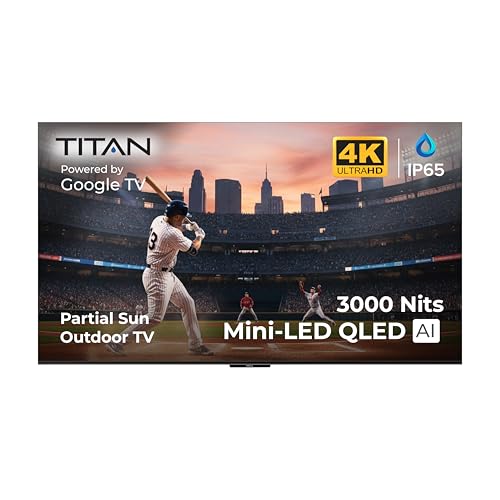
OUTDOOR-READY & WEATHERPROOF DESIGN: Built for patios, decks, and backyard entertainment, this IP65 weatherproof outdoor TV is engineered to withstand rain, dust, humidity, and temperature changes. Advanced protective nanocoating helps safeguard internal components, making it ideal for partial-sun outdoor environments year-round.

QD-MINI LED: TCL's QD-Mini LED combines the merits of QLED and OLED technologies, transforming the traditional backlight into lighting that is close to pixel-level precision.
Utilizing Alternative Wired Connections
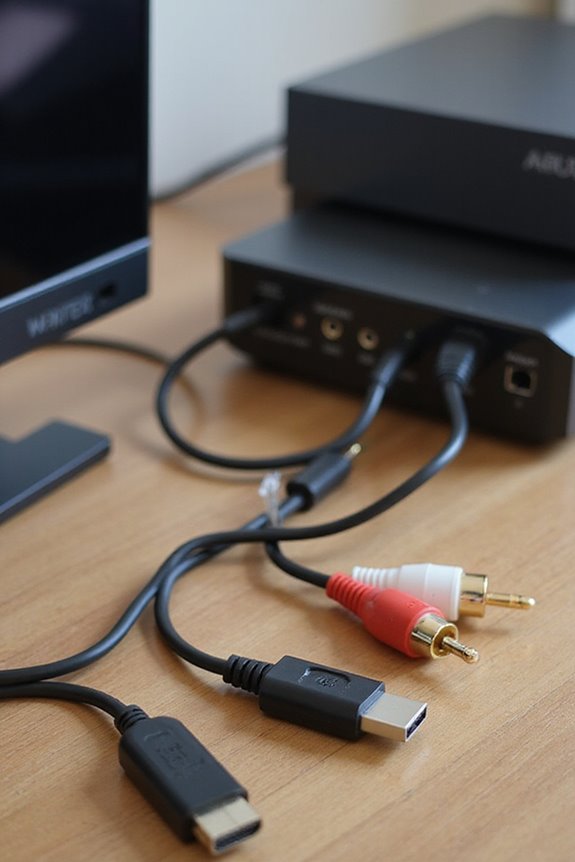
Utilizing alternative wired connections can greatly enhance our audio experience when linking wireless speakers to a smart TV. For those of us who prefer reliability, HDMI ARC offers seamless integration by transmitting high-quality digital audio formats through one cable. Alternatively, optical audio keeps our sound clear by using light signals, minimizing interference and supporting surround sound—a great choice for movie nights! For simpler setups, analog RCA cables or a 3.5mm headphone jack can connect easily, albeit with limited audio capability. If we’re still inclined towards a wired setup, digital transmitters can bridge our TV’s audio output to Bluetooth speakers without lengthy cables, maintaining speaker compatibility while enhancing sound quality. Additionally, ensuring Bluetooth compatibility with your amplifier will further streamline your audio setup and enhance the overall experience. Let’s explore these options and find our best fit!
Recommended Products
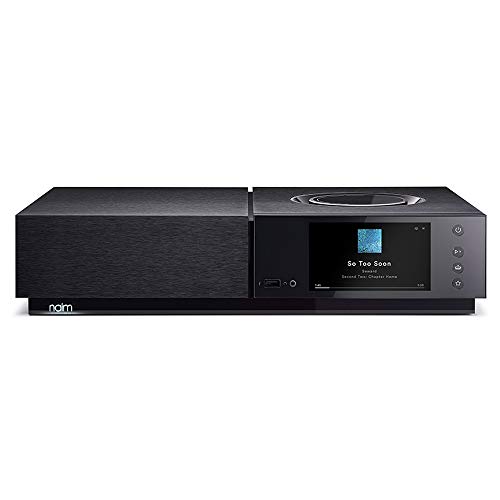
3 Tier PCB arrangement to provide the shortest analogue signal path and best sound

USB Wifi Function: It seems very interesting to choose a song via a Cell Phone. You can select your favorite songs by Cell Phone or Tablet PC by connect to the KARAOKE machine via wireless USB Wifi network, then you can choose your favorite songs on your Cell Phone. The process is easy to operate and avoids wasting time to locate your favorite songs. Of course, FREE: USB WIFI Dongle are provided for choosing songs via a iPhone / Android Phone or Tablet

Dolby Atmos Surround Sound: Lose yourself in the moment, with a three-dimensional listening experience. Feel the real power of your favourite TV shows and films.
Brand-Specific Connection Procedures
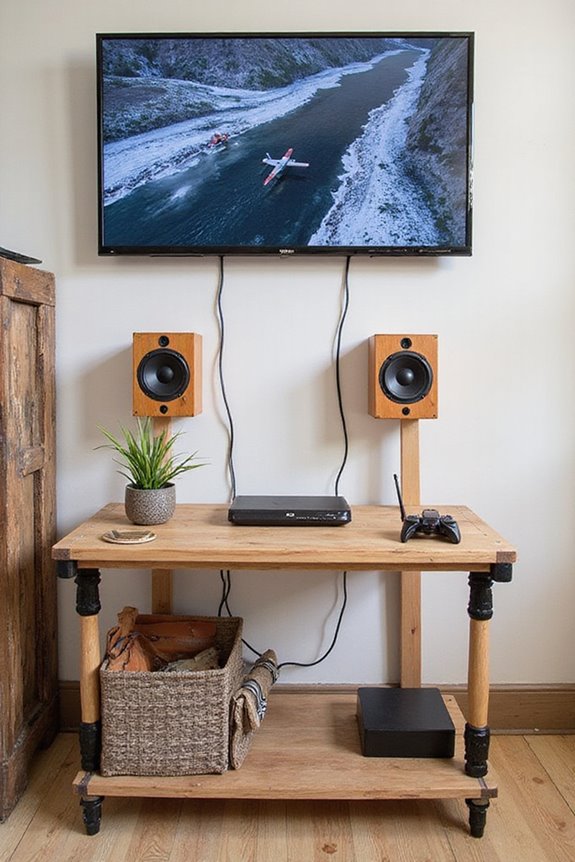
Connecting wireless speakers to your smart TV can greatly enhance your audio experience, especially when we consider the specific procedures for various brands. For Samsung, we activate Bluetooth on the speaker, then navigate to Settings > Sound > Sound Output to find our device. Sony models require us to access Settings > Bluetooth Devices, while LG users can simply go to Settings > Sound > Sound Out for easy connection. If we’re using Vizio, we find the speaker under Menu > Settings. Finally, with Bose, verify we have their adapter ready and search through the TV’s Bluetooth menu. By familiarizing ourselves with these connection technologies, we’ll optimize our experience with our favorite speaker brands. Additionally, selecting systems that support Dolby Atmos and DTS:X can significantly enhance our audio experience.
Recommended Products

SONY USA AUTHORIZED - Includes 26 Months Extended Protection in ADDITION to the Included FULL Manufacturer Protection

OREI 8 Inputs & 8 Outputs + 8 Loop out Over CAT5e/6/7 LAN Cable upto 330 Feet. Plus 8 Additional Loop Out At Local Source. Perfect Professional Distribution Product, ideal for 4K Blu Ray Players, Game Consoles, Media Players, Satellite Receivers, Computers, Laptops and Other Sources. The device comes with a dual voltage supply using a US plug, and an adapter/converter is provided for international use.

POWERFUL AMD RYZEN 7 PERFORMANCE: Equipped with AMD Ryzen 7 7735HS processor (8-core, 16-thread, 3.20GHz base up to 4.80GHz boost, 4MB L2/16MB L3 cache) paired with AMD Radeon 680M graphics. This ThinkPad E16 Gen 2 delivers exceptional multitasking power for demanding business applications, content creation, and seamless productivity. Superior build quality compared to ThinkBook series ensures reliability for professionals working from office, home, or on-the-go.
Troubleshooting Wireless Speaker Connections
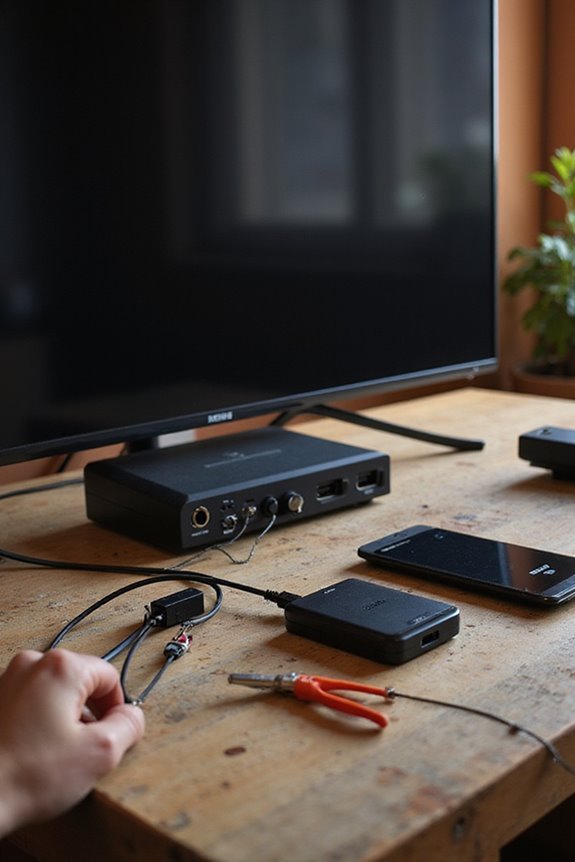
When dealing with issues connecting our wireless speakers to a smart TV, what steps can we take to troubleshoot effectively? First, let’s check for interference issues from nearby Bluetooth devices that might cause pairing failures. If we encounter software glitches, a quick device reset can refresh the system. Always confirm our audio settings are switched to the Bluetooth output after pairing, or we might miss the sound entirely. If audio isn’t playing, checking volume controls on both the TV and speakers is vital. Finally, disconnecting any wired connections can help prioritize our Bluetooth devices, allowing for a stronger connection. By systematically addressing these factors, we’ll often resolve most common connection issues. Additionally, ensuring our speakers have customizable audio modes can help optimize the audio experience during troubleshooting.
Recommended Products

LG Electronics 77 Gallery 4K UHD ThinQ AI OLED TV W A9 Gen 3 Intelligent Processor
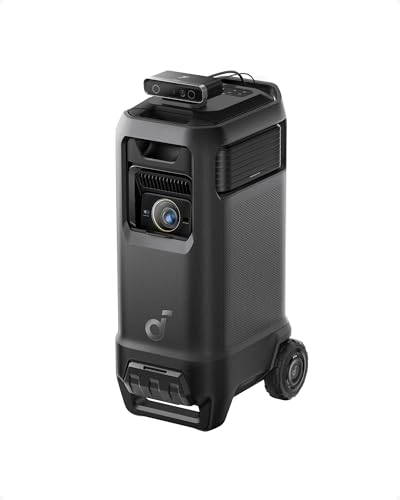
Outstanding 4K Visuals, Mapped Perfectly to Your Space: X1 Pro's Triple Laser engine delivers 3,500 ANSI lumens, 1.07 billion colors, and 56,000:1 dynamic contrast; SpaceFlow auto-maps your wall's exact 3D shape and texture — fitted precisely to any surface for a truly cinematic image.

POWERFUL ROOM-FILLING SOUND: music to fill your living space thanks to its seven effective drivers
Considerations for Optimal Audio Experience
Creating an ideal audio experience goes hand-in-hand with troubleshooting those pesky wireless speaker connections. To maximize our sound, let’s focus on both speaker placement and audio settings.
Positioning our speakers symmetrically around the TV, ideally at ear level, enhances clarity and presence. A triangular arrangement with our seating can create an immersive experience.
Next, we should explore our audio settings. Utilizing the TV’s equalizer lets us balance bass, mid-range, and treble frequencies, ensuring we catch every dialogue and sound effect. Don’t forget to fine-tune digital output formats like Dolby Atmos for the best performance. By optimizing these elements, we’ll transform our wireless setup into a cinematic audio experience we can truly enjoy together.
Recommended Products

LOWEST EVER, WHILE SUPPLIES LAST @ $6077 (save $2122). Built on 70+ years of audio legacy & the legendary NAKAMICHI DRAGON name, this #1-rated extreme system is the dream theater everyone talks about, driven by our 11.4.6-ch architecture + Pro-Cinema Engine. Dream plug-and-play performance made simple.

HOME THEATER RECEIVER - Denon's AVR-A10H AV Receiver (150W X 13) powers up to 13 speakers & 4 independent subwoofers as a home audio amplifier; has immersive audio with Dolby Atmos, DTS:X Pro & more along with stunning 8K visuals for movies & games

Note: The X1 pro projector and 200" Silent Inflatable Screen will be dispatched separately. Please be sure to check for both deliveries.
Compatibility and Limitations of Connections
Understanding the compatibility and limitations of audio connections is essential for ensuring our wireless speakers work seamlessly with our smart TV. First, let’s talk about wireless speaker compatibility. Many smart TVs, especially older models, might not support certain Bluetooth profiles, limiting our options. Additionally, we may face connection limitations like needing to disconnect from previously paired devices or requiring a manual pairing button press on our speakers. For those using Wi-Fi, both our TV and speakers must share a network, which provides better audio quality but can also suffer from network interference. Ultimately, wired connections, though reliable, might restrict our speaker placements due to cable lengths. Knowing these factors helps us choose the right setup for our home entertainment.
Frequently Asked Questions
Can I Connect Multiple Wireless Speakers to My Smart TV?
When it comes to connecting multiple wireless speakers to our smart TV, we’ve got a few tricks up our sleeves! With the right Bluetooth connectivity, we can enjoy multi-room audio that’ll make our gatherings unforgettable.
What if My TV Doesn’T Detect the Speaker?
If our TV doesn’t detect the speaker, we’ve got troubleshooting tips to explore. Let’s guarantee Bluetooth compatibility, check settings, and clear any interference so we can enjoy our audio experience together seamlessly.
Do Wireless Speakers Drain TV Battery?
Isn’t it fascinating how technology works? Wireless speaker batteries don’t drain smart TV power—they operate independently. When we use them wisely, we can enjoy our favorite shows without worrying about battery issues or power loss.
Can I Use a Soundbar as a Wireless Speaker?
Absolutely, we can use a soundbar as a wireless speaker! It offers soundbar benefits like enhanced audio quality. However, exploring soundbar alternatives might reveal additional options that suit our needs even better.
Is There an App for Connecting Speakers to My TV?
Imagine a world where music dances through our homes effortlessly. For speaker connectivity apps, discovering smart speaker compatibility can transform our auditory experience, uniting us in harmonious sound, enhancing every moment shared together.